![Logo.webp]](https://support.atlantictraining.com/hs-fs/hubfs/Logo.webp?height=40&name=Logo.webp)
Updated: January 05, 2026
Applicable Role: All roles
Prerequisites:
- Default browser
Step-by-step guide:
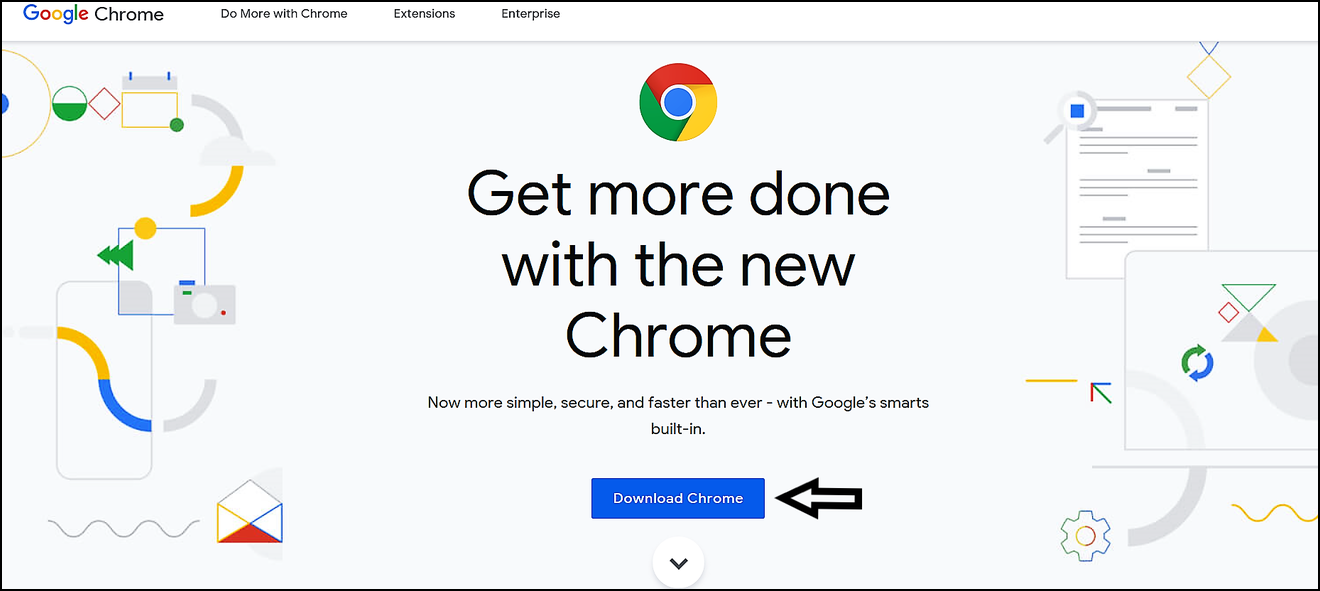
1. Start HERE to Download Chrome
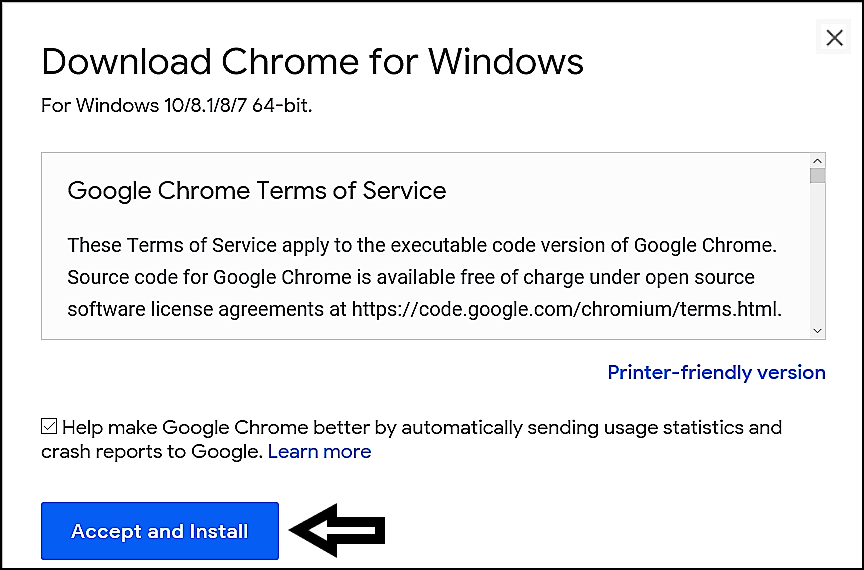
2. Before Chrome installs review the Terms of Service and then select Accept and Install
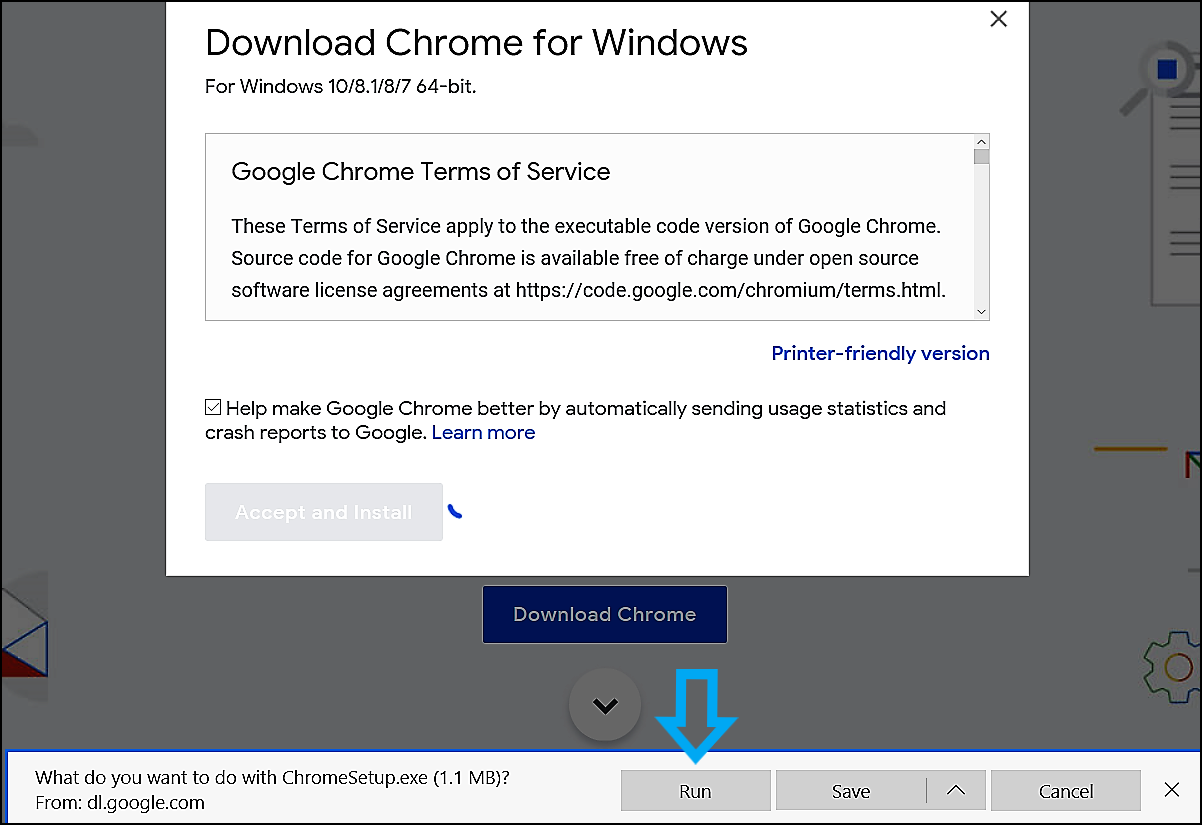
3. You will then see a bar appear at the bottom of your screen, select Run to get things going
4. Chrome will then begin to download
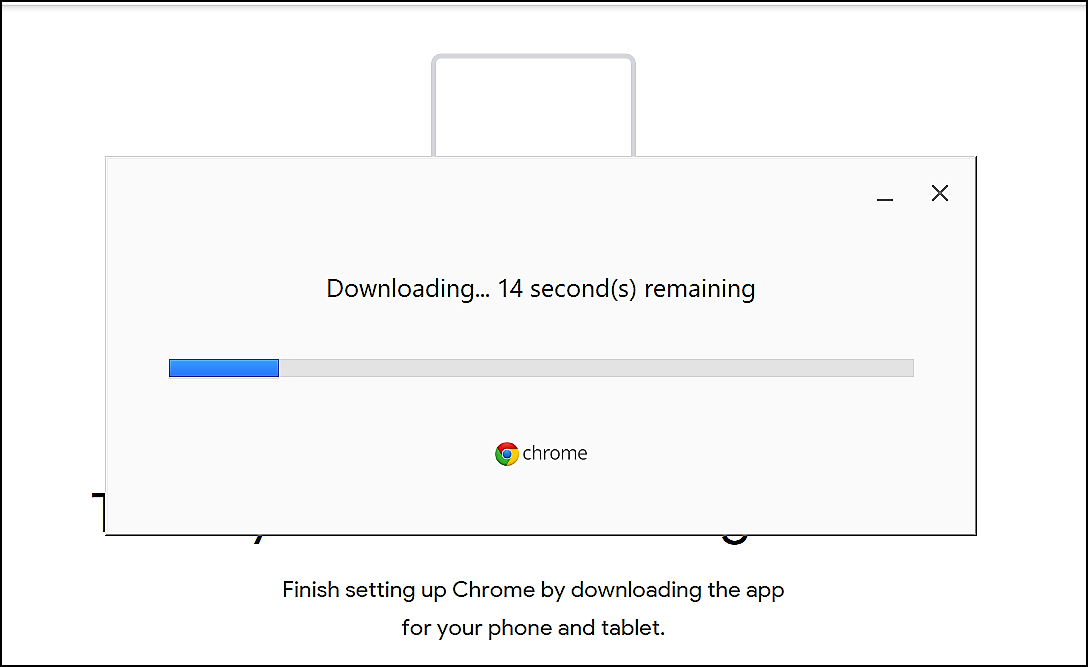
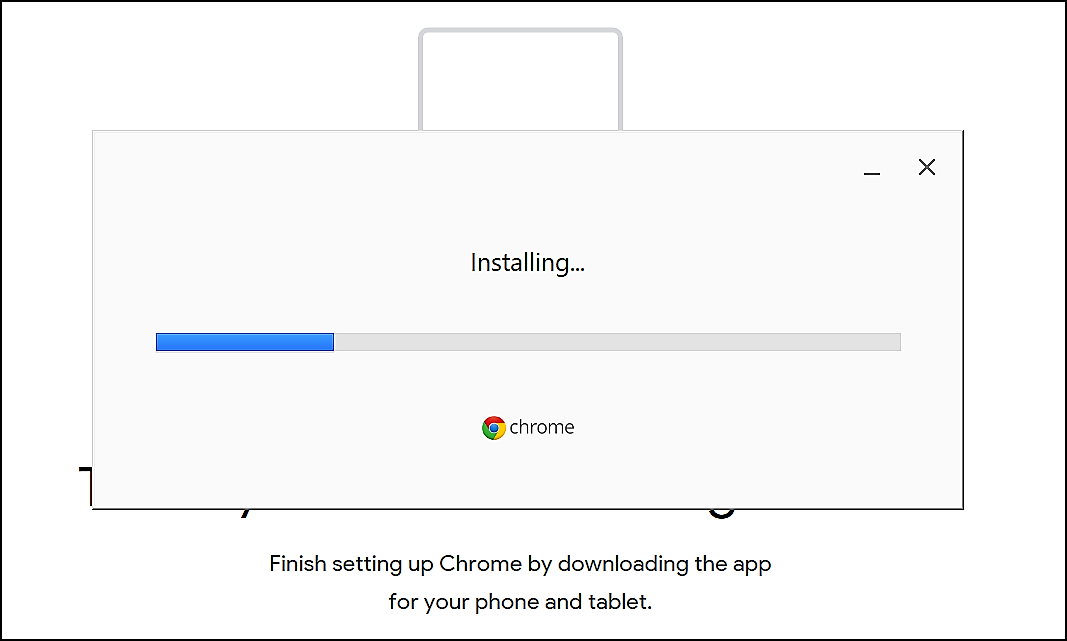
5. And then will begin to install
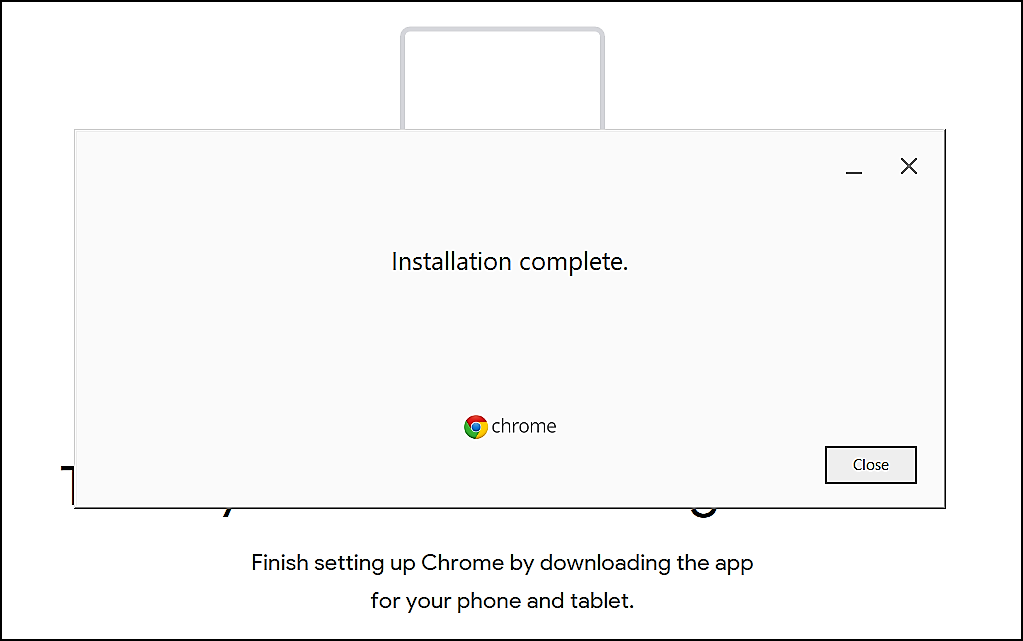
6. And then you are good to go!
"If you need further assistance after reading this article, please submit a ticket HERE and someone from our team will assist you soon!"